Object segmentation
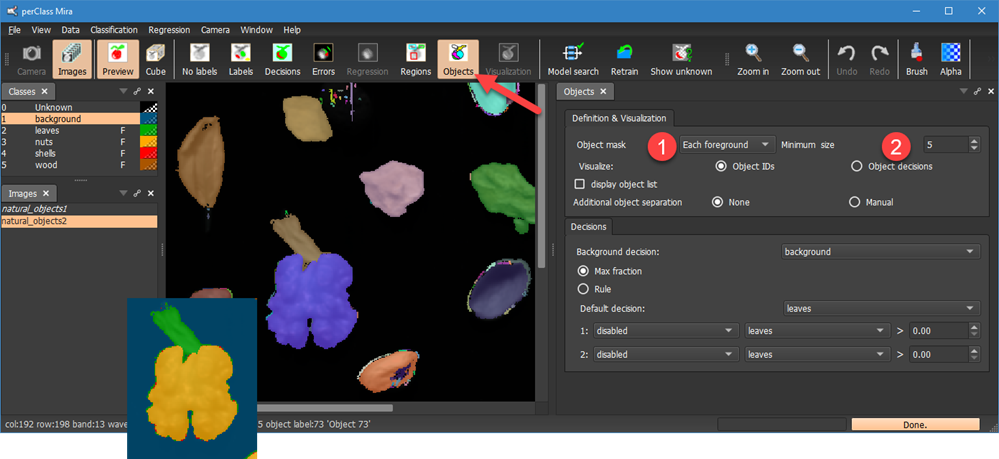
Object segmentation is performed by selecting Objects toolbar button. In perClass Mira, object segmentation is controlled by segmentation mask. By default, it is constructed handling each of the foreground classes separately. This is the Each foreground mode . Note, how the leave touching the walnut in pixel decisions are segmented separately.
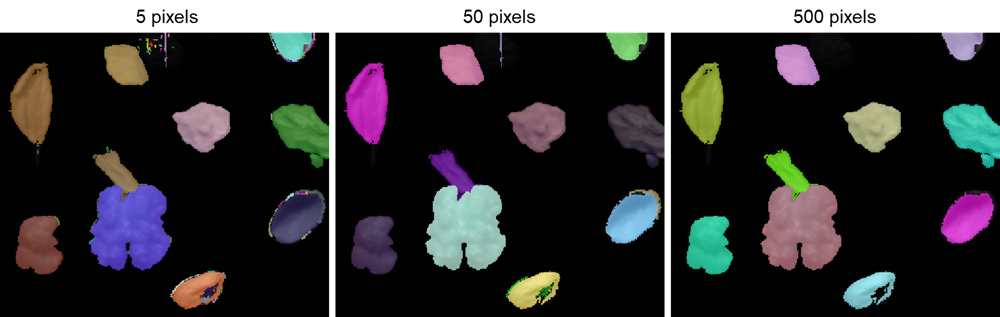
Object segmentation directly removes all objects smaller than specified minimal size  Changing the minimum size, we can quickly focus on large structures:
Alternative type of segmentation mask is All foreground which combines all foreground classes together:
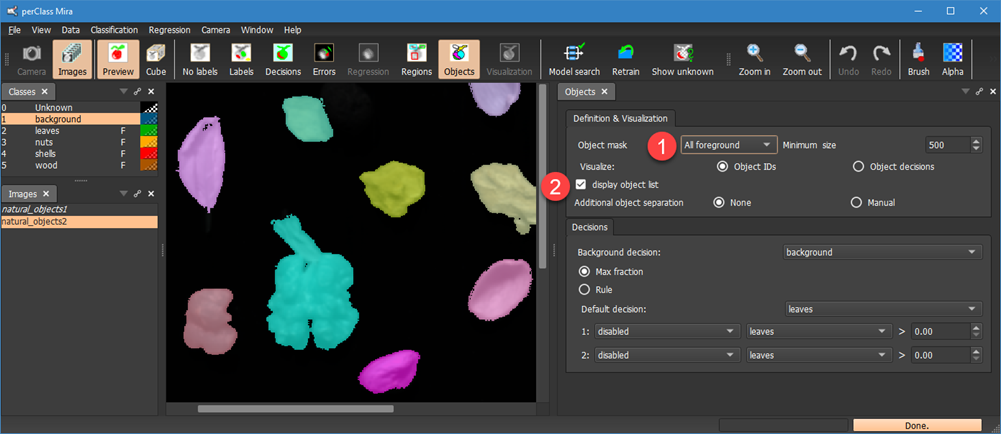
The display object list checkbox enables detailed information on segmented objects in the Output window:
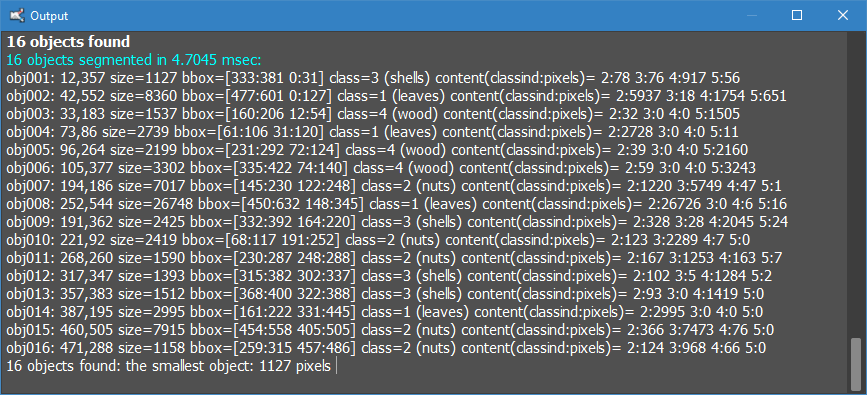
This includes object id, centroid, size in pixels, bounding box and object decision. At the last line, the smallest object size is also provided. This is helpful when adjusting minimum object size.