Activation
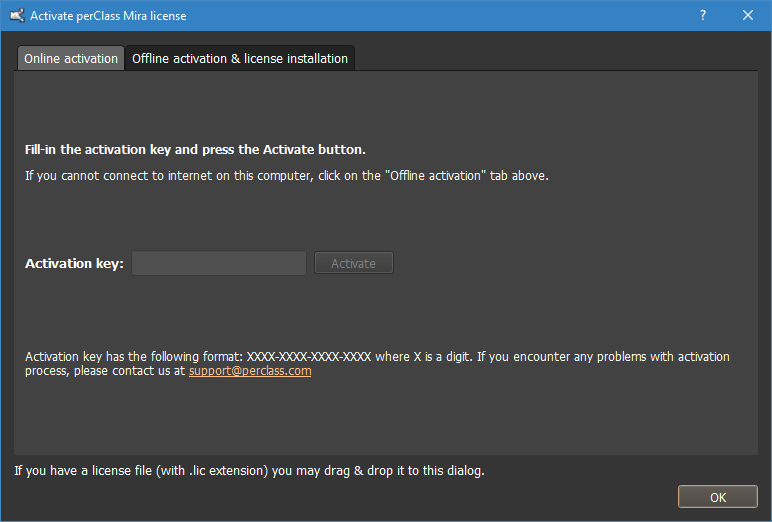
When run for the first time, the software will open the Activation dialog:

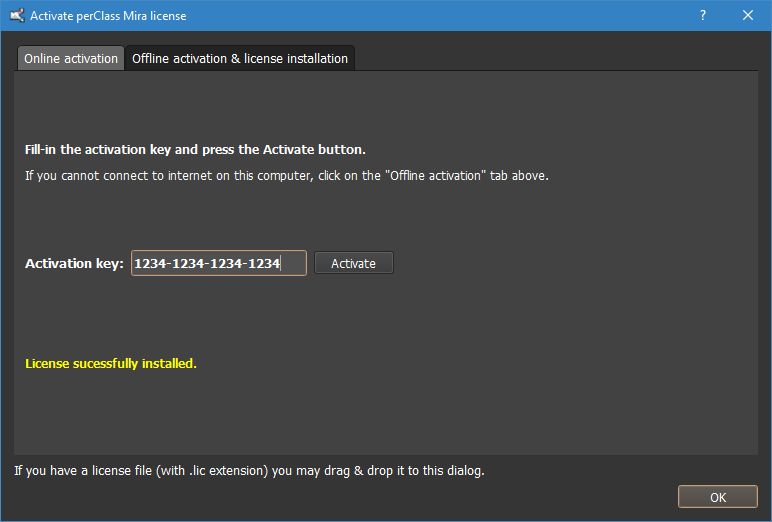
Fill in your activation key and press the Activate button.

Activating other products
It is also possible to activate different products, like the perClass Mira Runtime, through this dialog. This can be done by filling in the key for that product and pressing the Activate button.